How To Root Xiaomi Redmi 2 and 2 Prime and 2 Pro Kitkat
This tutorial for Root Xiaomi Redmi 2 and 2 Prime and 2 Pro using System Update via TWRP, Okay directly to tutorial
Attention!!!
To avoid things that are not desirable (ex: bootloop) you have to backup the internal data telephone (ex: contacts, messaging, images, music, notes and etc)
For Android 4.4 (Kitkat)
In the
update.zip file already include
TWRP v2.8.7.2
You must download file :
*update.zip puts to sdcard/phone (put out a folder)
*Root.zip puts to sdcard/phone (put out a folder)
Installation :
1; Turn off your internet connection.
2; Go to
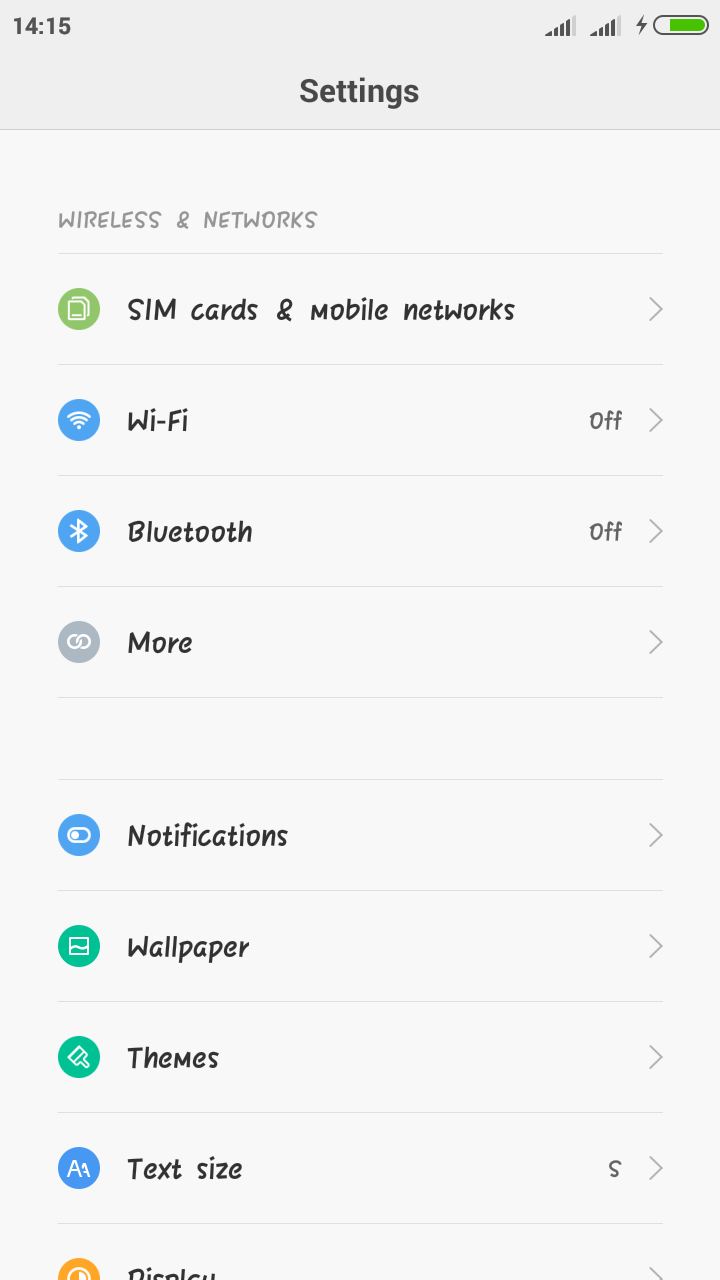
Settings > About phone > System updates or you can open applicaton Updater
3; Select
Choose Update Package > search the file
update.zip and click.
4; After selected phone will reboot and execute the file, wait this process until 100%.
5; After Done, turn off your phone and boot into TWRP (press the voll +(up) and vol down(-) and power buton +- 3second )
6; In
TWRP select
Instal >
Select Storage and browse your file
Root.zip and
swipe button to flash file.
7; Reboot System and Done.
For Android 5.1 (Lollipop)
Update TWRP Mod v3.0.0.0 Support Kitkat Lollipop Marshmallow (The Best TWRP, in my opinion)
Tested By Me In Xiaomi Redmi 2 and 2 Prime (MIUI 6.6 & 7.1 & 7.2 Kitkat Device Build 2014817 & 2014811)